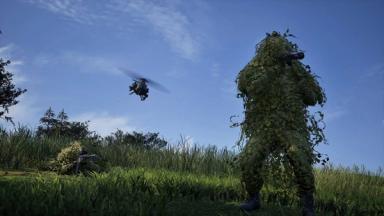
Wardogs: Tips and Tricks for Beginners
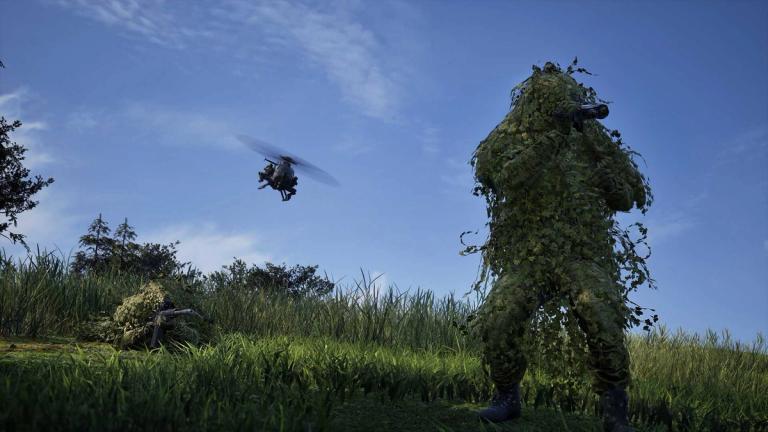
Wardogs can look pretty confusing when you first jump in. There is a lot happening at once, the maps are big, vehicles are everywhere, and you also have to think about your money before buying stuff.
It is not really the kind of FPS where you can just run forward, shoot a few people and forget everything else.
Best tips and tricks for beginners in Wardogs
Get your loadout ready before leaving spawn
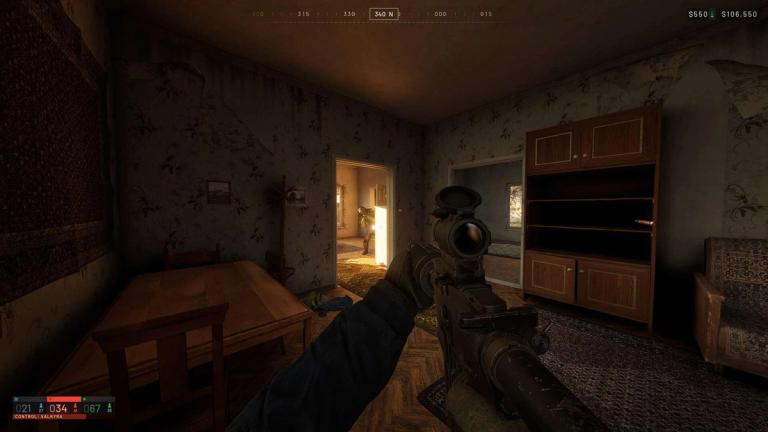
Do not rush out of spawn with half a loadout just because you want to get into the action.
Before you leave, make sure you have a couple of extra magazines, around 3 to 5 bandages, a sight if you do not like using iron sights, and at least one useful class gadget.
Binoculars are a particularly simple choice when you are still figuring things out. A hammer or RPG can also make sense depending on what you are trying to do.
Carry loose ammo instead of tons of magazines
This is one of those things that the game does not exactly explain well.
Instead of filling your inventory with magazines, buy loose ammo as well. Loose ammo comes in stacks and takes up much less inventory space. When your magazines are empty, open your inventory and use C to refill them from your loose ammo.
Just do not try to refill everything while someone is shooting at you. The process takes some time, so find a safe spot first.
Wait for a helicopter
The Control Zone can be a long way from your starting area, and driving there every single time is usually not worth the hassle.
The trip can be around 3 km and take several minutes depending on the vehicle. Transport helicopters can get you into the fight much faster, and players often fly them specifically to move teammates around.
So if a helicopter is available, take the ride. You might have to wait a little while to spawn, but that is still better than spending money on a vehicle and then driving across the whole map.
Hold shift
Wardogs has a small aiming trick that is easy to miss.
While aiming, hold Shift to steady your weapon. This reduces some of the weapon movement and gives you a little more zoom.
It is especially handy when an enemy is further away and you want to fire controlled bursts instead of dumping your entire magazine.
Use re-buy loadout
If you finally put together a loadout you like, do not waste time rebuilding the same thing from scratch.
The vendor has a Re-buy Loadout option in the bottom-left corner. It shows the equipment from your previous loadout and lets you buy it again.
You can also remove things before confirming the purchase, which is useful if you want to make the next life a little cheaper.
One small thing to remember is that the button disappears if you manually buy something first. So if you want to re-buy loadout, press it before buying individual items.
Want to be the best? Upgrade your gaming setup
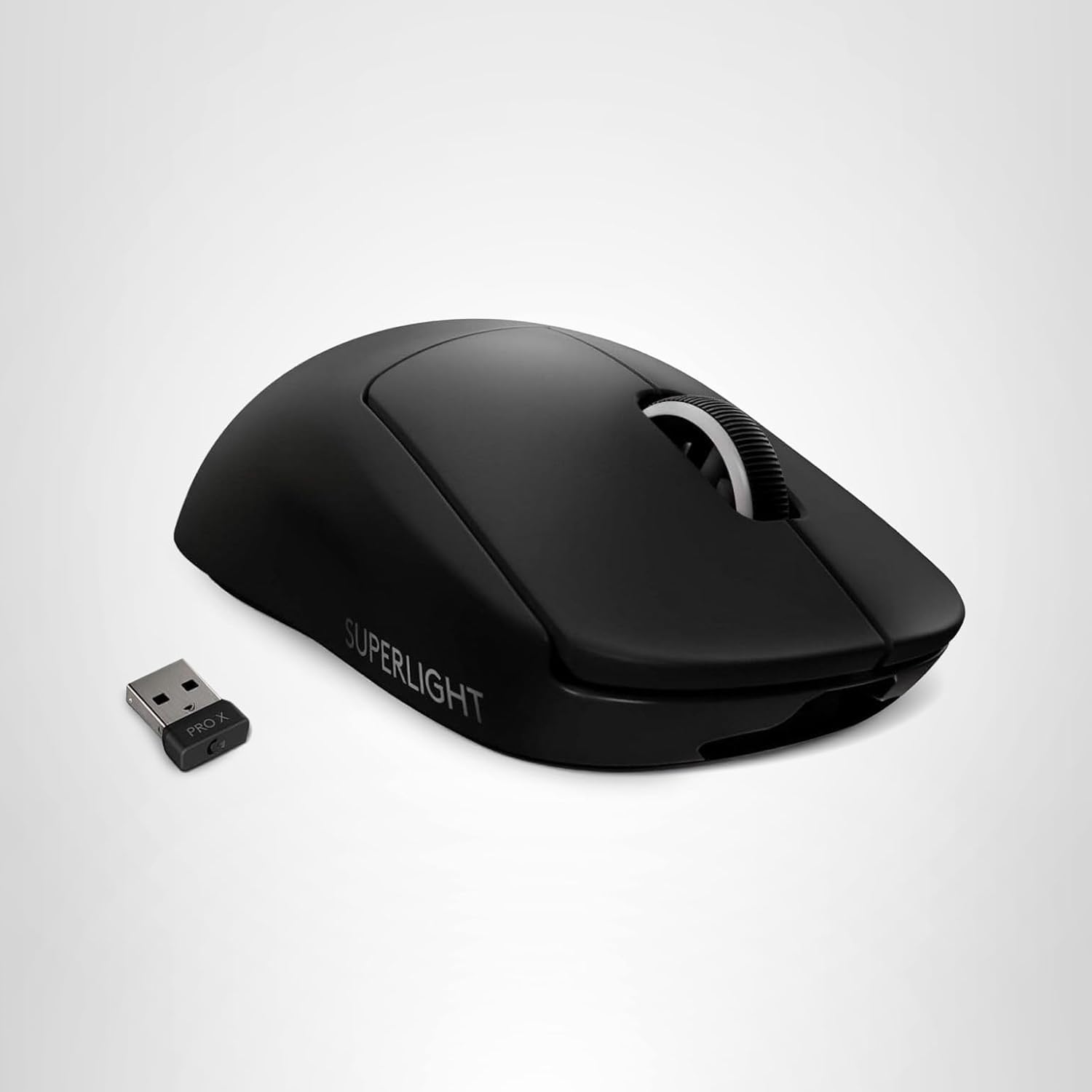
If you’re looking to upgrade your gaming setup, here are some of our top gear picks that combine performance, reliability, and great value:


As an Amazon Associate, we earn from qualifying purchases.